
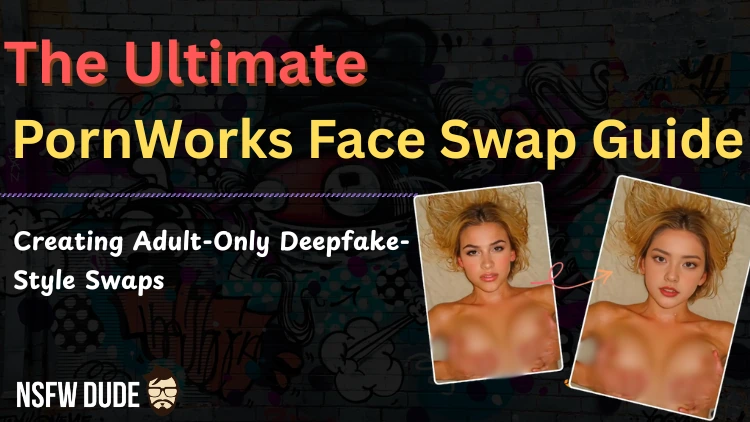
If you have ever stared at a steamy video and thought, "Damn, that would be ten times hotter with my fantasy girl's face."
Well, guess what? That is exactly what PornWorks AI Face Swap does. It is the saucy tool that mixes and matches faces on adult content like digital wizardry.
But hold up, we are keeping things ethical here. No dodgy non-consensual stuff.
We are strictly swapping fictional characters, AI-generated hotties, or partners who gave you the green light. Now, settle in and let's show you how to use this naughty tech the right way.
🤔 What is PornWorks Face Swap?
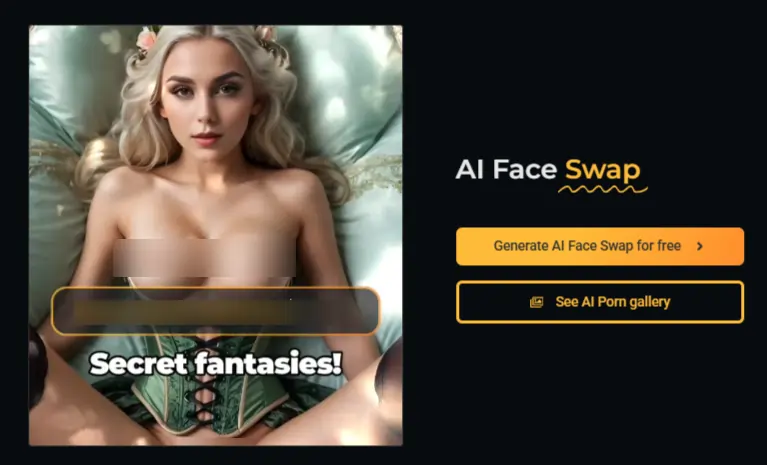
PornWorks AI is not just a standard generator; it is a proper powerhouse for adult content.
The Face Swap feature is the star of the show here. It lets you take a "Source" face, like a cute anime girl or a generated model, and plaster it onto a "Target" image or video.
Think of it as digital cosplay. You get the body, the action, and the vibe of a high-quality scene, but with the specific face that gets your motor running.
It works for both photos and videos, which is a massive win if you want moving pictures rather than just still shots.
🤝 The "Ethical" Bit (Don't Skip This!)
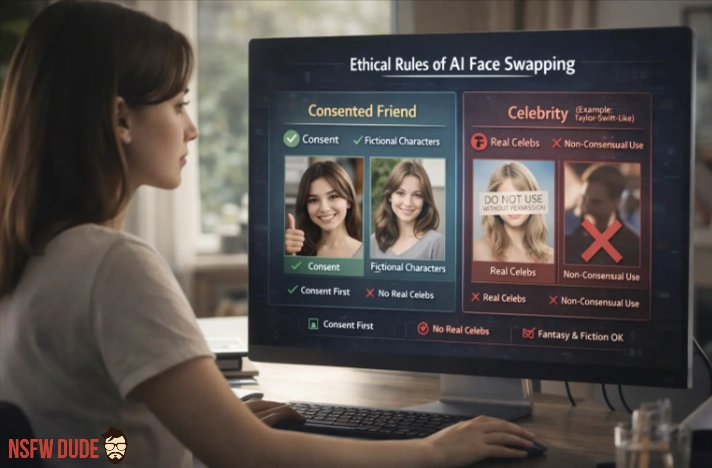
Before we get to the fun part, let's keep it real. "Ethical" means we play nice.
✅ Step-by-Step: How to Face Swap on PornWorks
Ready to make some magic? Follow these steps to get a clean, high-quality swap without the headache.
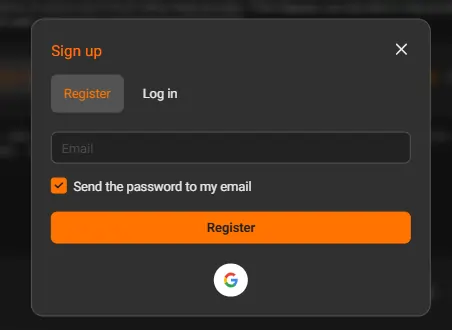
First off, you need an account.
Yeah, I know, another login. But you can't do the good stuff as a guest.
Head over to PornWorks, sign up, and grab some credits. You usually get a few free ones to test the waters, but for the HD stuff, you might need a top-up.
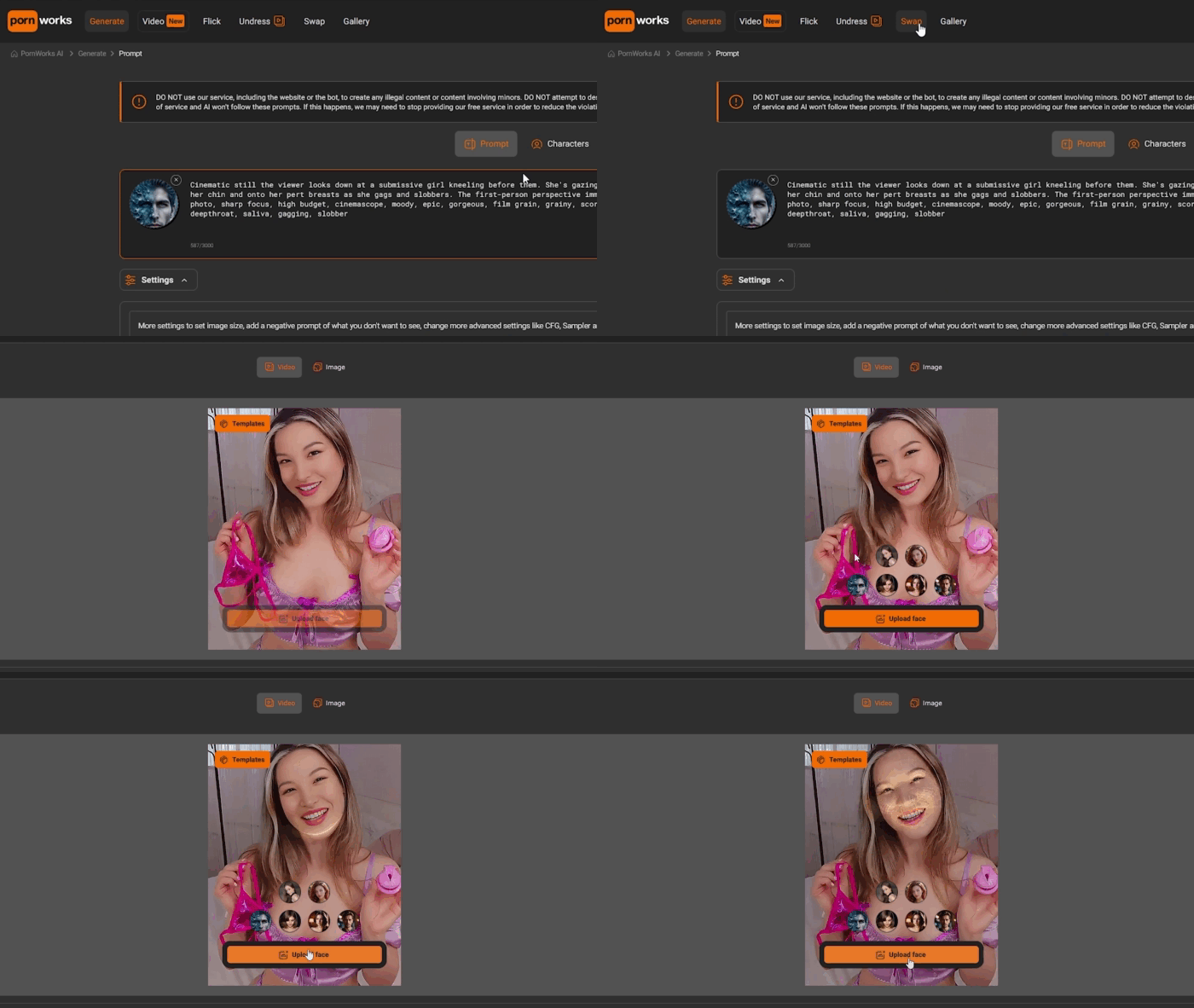
Once you are logged in, ignore the other flashy buttons for a second.
Look for the tab labelled "Swap" at the top. It is separate from the standard "Generate" tool because it uses a different bit of tech to map the features perfectly.
This is the canvas. You need to upload the image or video that acts as the base.
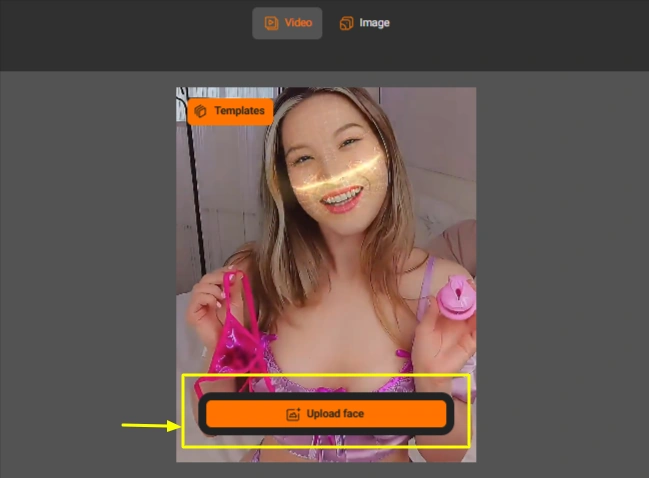
Now, upload the face you want to see. This needs to be a clear, front-facing headshot.
Click the button and let the AI cook.
It usually takes a minute or two, depending on if it's a photo or a video. The AI analyses the lighting and skin tone of the target and adjusts the source face to match.
Pornworks Mega Discount Coupon Code Best Deal
🔄 Optimising Your Swaps for Max Realism
Want your swaps to look real and not like a potato pasted on a supermodel? Use this cheat sheet.
| Parameter | Best Setting / Advice | Why It Matters |
|---|---|---|
| Source Angle | Front-facing or matching the target | If the body looks left, the face should look left. |
| Lighting Match | Similar lighting conditions | Keeps the skin tone consistent so it doesn't look fake. |
| Resolution | High (1080p+) | Pixelated faces on HD bodies look obvious and bad. |
| Obstructions | Clear Face (No glasses/masks) | The AI struggles to swap if half the face is hidden. |
🤔 Why Use PornWorks Face Swap Over Other Tools?
PornWorks is built specifically for NSFW content, so it handles explicit images and porn videos without censoring or blocking your projects, unlike many mainstream face swap apps that restrict adult material.
The AI is trained on erotic scenes, which means it can deal with things like complex poses, fluids, sex toys, and busy backgrounds while keeping the face swap realistic and stable.
On top of that, PornWorks supports face swaps for both images and full videos, letting you replace faces in an entire clip instead of just a single frame.
This video face swap support is still rare in NSFW tools and turns it into a serious upgrade if you want deepfake-style adult edits for your private collection.
NSFWDude Recommends:
🎯 Final Thoughts
Face swapping is a wicked way to spice up your content library. By sticking to ethical rules, using generated characters or consenting partners, you can explore all sorts of wild fantasies without being a creep.
PornWorks makes it dead easy: upload, swap, and enjoy.
So go on, give it a bash. Your dream waifu is waiting to star in her own video.